
How to Replace Outdated Cat5 with Cat6: 2026 Guide
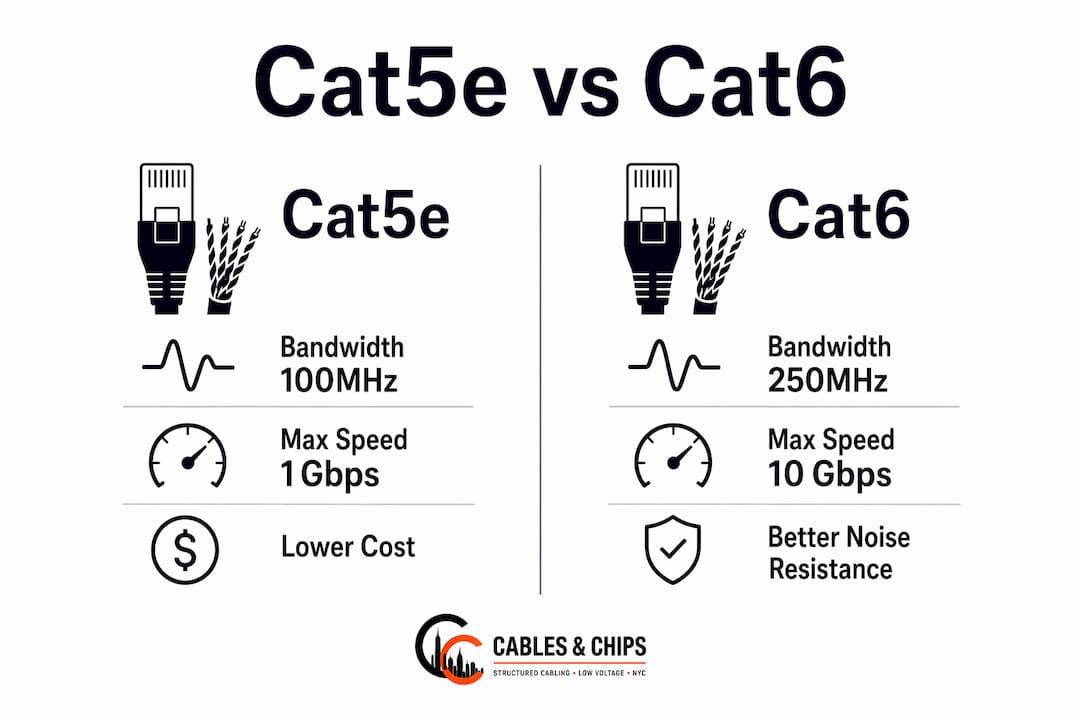
Replacing outdated Cat5 or Cat5e cabling with Cat6 is the right call for most commercial upgrades in 2026, but it is not always necessary for every environment. Cat6 delivers higher bandwidth versus Cat5e, supports 10 Gbps over shorter distances, and handles higher PoE loads with thicker 23 AWG conductors. For offices running multi-gig applications, deploying Wi-Fi 6E or Wi-Fi 7 access points, or powering PoE++ devices, the upgrade pays for itself. For a small office already hitting 1 Gbps reliably on Cat5e, the case is weaker.
Quick decision guide:
- Upgrade now if you need 10 Gbps on runs under 55 meters, run PoE++ cameras or APs, or are pulling new cable anyway
- Consider Cat6A instead if runs exceed 55 meters or you are deploying Wi-Fi 7 APs, which TIA mandates Cat6A to support
- Stay on Cat5e if your network tops out at 1 Gbps and all devices are low-power
- Assess topology first before rewiring; upgrading uplinks or wireless infrastructure often resolves bottlenecks cheaper than full recabling
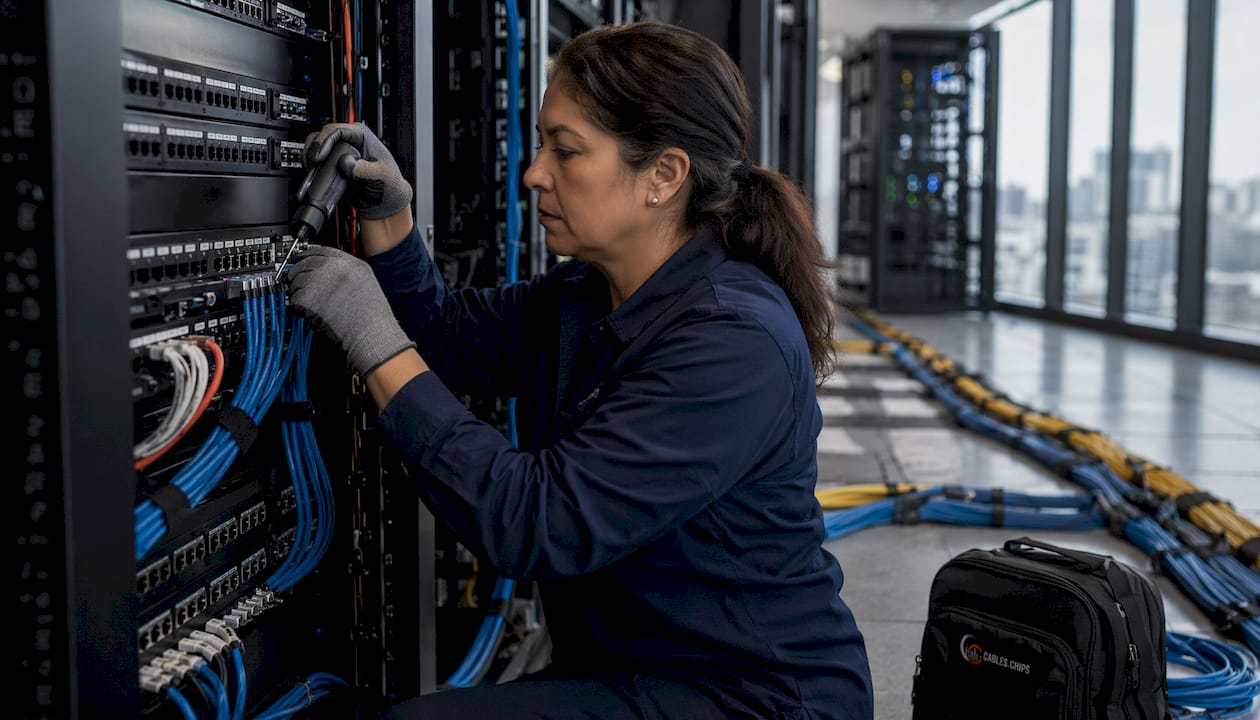
How to replace Cat5e patch cables with Cat6 patch cables
Swapping patch cables is the fastest and least disruptive upgrade step. It requires no wall work and can be done in minutes per drop.
Tools and materials needed:
- Cat6-rated patch cables (match length to rack or desk run)
- Cat6 patch cords in appropriate lengths
- Cable tester or link-light verification tool
- Label maker or cable tags
Step-by-step process:
- Document which port connects to which device before touching anything.
- Disconnect the existing Cat5e patch cord at both ends (switch port and wall jack or device).
- Install the Cat6 patch cable, seating the RJ45 connector firmly until it clicks.
- Verify link status on the switch port LED or with a cable tester.
- Label both ends with the same identifier for future serviceability.
One common pitfall: using a Cat5e-rated patch cord on a Cat6 in-wall run. A single lower-rated component downgrades the entire channel. Match the patch cord category to the wall cable category throughout.
How to rewire walls and conduits when upgrading to Cat6
In-wall rewiring is warranted when your horizontal runs are the performance bottleneck, when you are pulling new drops, or when existing Cat5 (not Cat5e) cable is present. Plain Cat5 is obsolete and should not remain in any active gigabit installation.
Tools and materials:
- Cat6 bulk cable (solid conductor, CMR or CMP rated per plenum requirements)
- Termination kit: 110-punch tool, Cat6-rated keystone jacks, patch panel
- Fish tape or cable pull string
- Cable tester rated for Cat6 (such as a Fluke DSX or equivalent)
- Label printer, cable staples or J-hooks
Replacement process:
- Label every existing cable at both ends before removal.
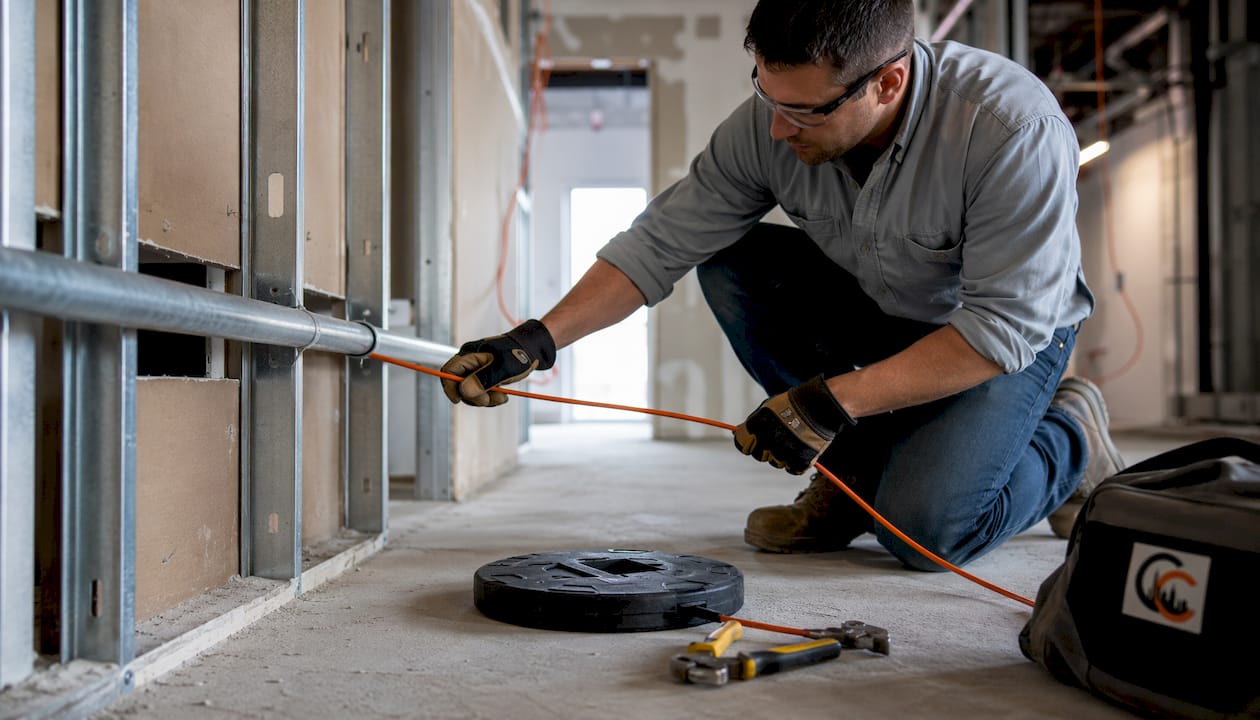
- Attach the new Cat6 cable to the old cable with pull tape, then pull the old cable out while feeding the new one through the same path.
- Where conduit exists, use the old cable as a pull string for the new run.
- Terminate both ends using Cat6-rated keystone jacks and patch panel ports, following TIA-568 T568A or T568B pinout consistently.
- Dress and secure cable with J-hooks or cable staples; avoid sharp bends tighter than the cable’s minimum bend radius.
- Test and certify each link with a Cat6-rated tester before closing walls or ceiling tiles.
Retrofitting finished commercial space is labor-intensive. In dense urban buildings with steel and concrete construction, existing conduits or surface raceways are the practical path. Prioritize high-traffic drops to APs and servers first; a single well-run Cat6 drop to a wireless AP delivers more perceived network improvement than rewiring a dozen desktop drops.
Pro Tip: If you are pulling new cable anyway, price out Cat6A for AP and server drops. The Cat6A material premium runs roughly 30–50% over Cat5e, but the labor cost to repull cable in five years will far exceed that difference.
Upgrading switches, patch panels, and jacks to support Cat6
Cable category alone does not determine channel performance. Every component in the link must meet or exceed the target category rating.
Key components to replace or verify:
- Keystone jacks: Replace Cat5e jacks with Cat6-rated jacks at every faceplate
- Patch panels: Install Cat6-rated patch panels in the IDF/MDF; Cat5e panels will cap performance
- Patch cords: Use Cat6 patch cords at both the switch and the faceplate ends
- Switches: Confirm switch ports support the target speed (1G or multi-gig); a Cat6 run behind a 1G-only switch delivers no speed benefit
Backward compatibility exists at the physical connector level since all three categories use the RJ45 interface. The performance limitation is real, though. Terminating Cat6A cable with Cat6 jacks certifies the channel as Cat6, not Cat6A, regardless of the cable installed. The same logic applies when mixing Cat6 cable with Cat5e jacks.
For structured Cat6 cabling in commercial environments, Cables and Chips recommends certifying every link after termination, not just testing continuity. Certification produces a documented pass/fail report against TIA-568 channel specifications, which matters for warranty claims and future troubleshooting.
How Cat5e and Cat6 cables interact in a mixed network
Cat6 and Cat5e are electrically compatible. Devices negotiate speed automatically, and the link runs at the rate of its weakest component. A Cat6 patch cord on a Cat5e in-wall run is still a Cat5e channel.
Compatibility do’s and don’ts:
- Do use Cat6 patch cords on Cat6 in-wall runs for a consistent Cat6 channel
- Do verify that jacks, patch panels, and patch cords all carry the same category rating
- Don’t assume a Cat6 cable alone upgrades a link; the jacks and cords must match
- Don’t mix T568A and T568B pinouts within the same cable run
- Do focus category upgrades on high-demand drops first when budget is limited
For home ethernet planning, the Alberta homeowner wiring guide covers category selection by building phase in useful detail.
What 2026 TIA-568 standards mean for your cabling decisions
TIA-568.2-D defines the recognized copper categories for structured cabling: Cat5e, Cat6, Cat6A, Cat8.1, and Cat8.2. Cat6A is now the recommended baseline for new commercial installations, with Cat5e classified as legacy-only.
| Specification | Cat5e | Cat6 | Cat6A |
|---|---|---|---|
| Bandwidth | 100 MHz | 250 MHz | 500 MHz |
| Max speed | 1 Gbps at 100m | 1 Gbps at 100m, 10 Gbps up to 55m | 10 Gbps at 100m |
| Conductor gauge | 24 AWG | 23 AWG | 23 AWG+ |
| PoE++ support | Limited (up to 30W, long runs) | Up to 60W | Up to 90W |
| Wi-Fi 7 AP runs | No | No | Yes (required) |
| TIA status | Legacy | Current | New commercial standard |
| Wi-Fi 7 AP runs | No | No | Yes (required) |
| TIA status | Legacy | Current | New commercial standard |
Cat6A costs noticeably more than Cat5e in materials and carries modestly higher labor costs due to its larger diameter and termination demands. For new commercial builds with a 15–20 year cable lifespan, that premium is justified. Expert installers now treat Cat6A as the commercial baseline, particularly for Wi-Fi 7 AP backhaul and PoE++ deployments. The TIA-568 compliance guide from Cables and Chips covers how these standards apply to NYC commercial installations specifically.
Key Takeaways
Replacing Cat5 or Cat5e with Cat6 is the right upgrade for most commercial environments in 2026, provided every channel component matches the Cat6 category rating.
| Point | Details |
|---|---|
| Cat6 bandwidth advantage | Cat6 delivers 250 MHz bandwidth versus Cat5e’s 100 MHz, supporting 1 Gbps at 100 meters and 10 Gbps up to 55 meters. |
| Channel consistency is critical | Every component, including jacks, patch panels, and patch cords, must match the cable category or the channel degrades. |
| Cat6A for long runs and Wi-Fi 7 | TIA mandates Cat6A for Wi-Fi 7 AP drops; Cat6A materials cost 30–50% more than Cat5e and support 10 Gbps at 100 meters. |
| Prioritize high-demand drops | Upgrading AP and server drops first delivers the greatest performance gain per dollar spent. |
| Certify after installation | Test and certify each link with a Cat6-rated tester to confirm TIA-568 compliance and support warranty claims. |
FAQ
Can I replace a Cat5 cable with a Cat6?
Yes. Cat6 is fully backward compatible with Cat5e devices and uses the same RJ45 connector. The link will operate at the speed of its slowest component, so replacing the cable alone without upgrading jacks and patch cords limits the benefit.
Is it worth replacing Cat5e with Cat6?
For new in-wall runs or any drop serving a Wi-Fi AP, PoE++ device, or potential 10 Gbps connection, yes. If your Cat5e network reliably delivers 1 Gbps and your devices will not exceed that, the upgrade offers minimal practical gain.
Is Cat6 overkill for home use?
Not for new installations. The cost difference per foot between Cat5e and Cat6 is small compared to the labor of repulling cable later. For existing Cat5e home wiring that meets your current speed needs, replacement is rarely justified.
How do you upgrade Cat5e to Cat6?
Replace patch cables first, then in-wall runs if needed. Terminate with Cat6-rated jacks and patch panels, use Cat6 patch cords at both ends, and certify each link with a Cat6-rated tester against TIA-568 channel specifications.