
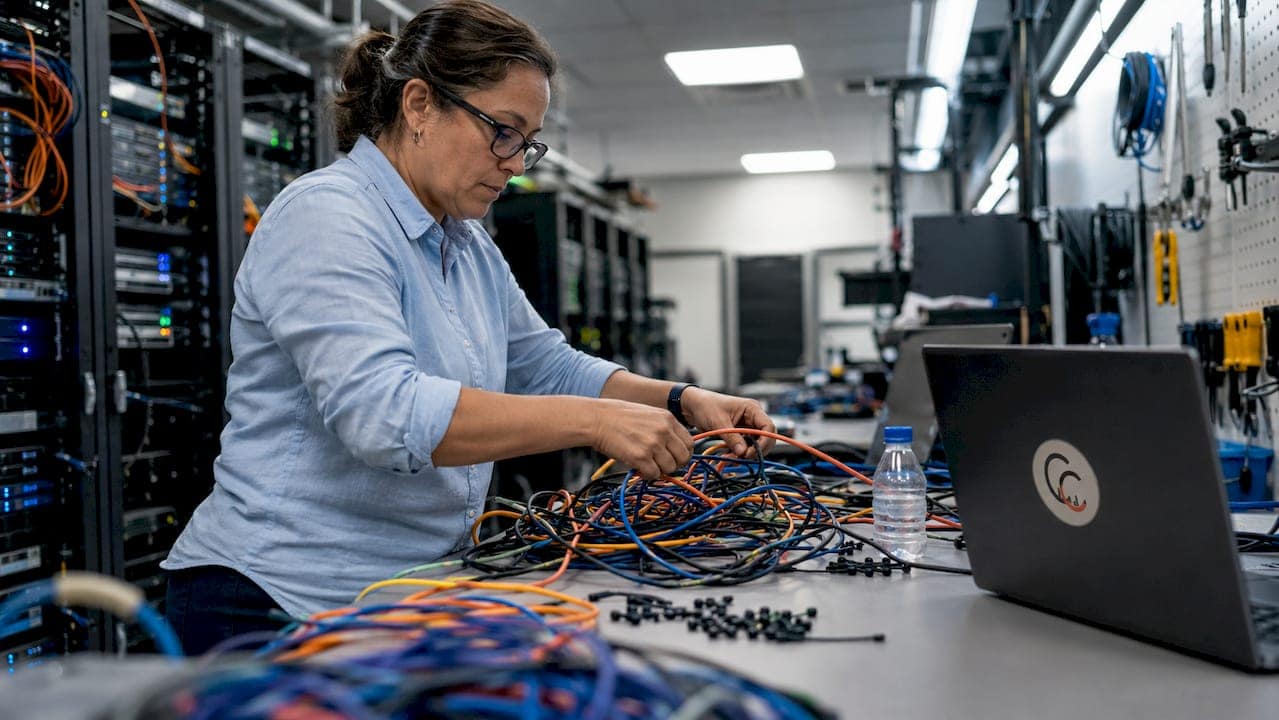
Examples of Poor Cable Management: A Pro Guide
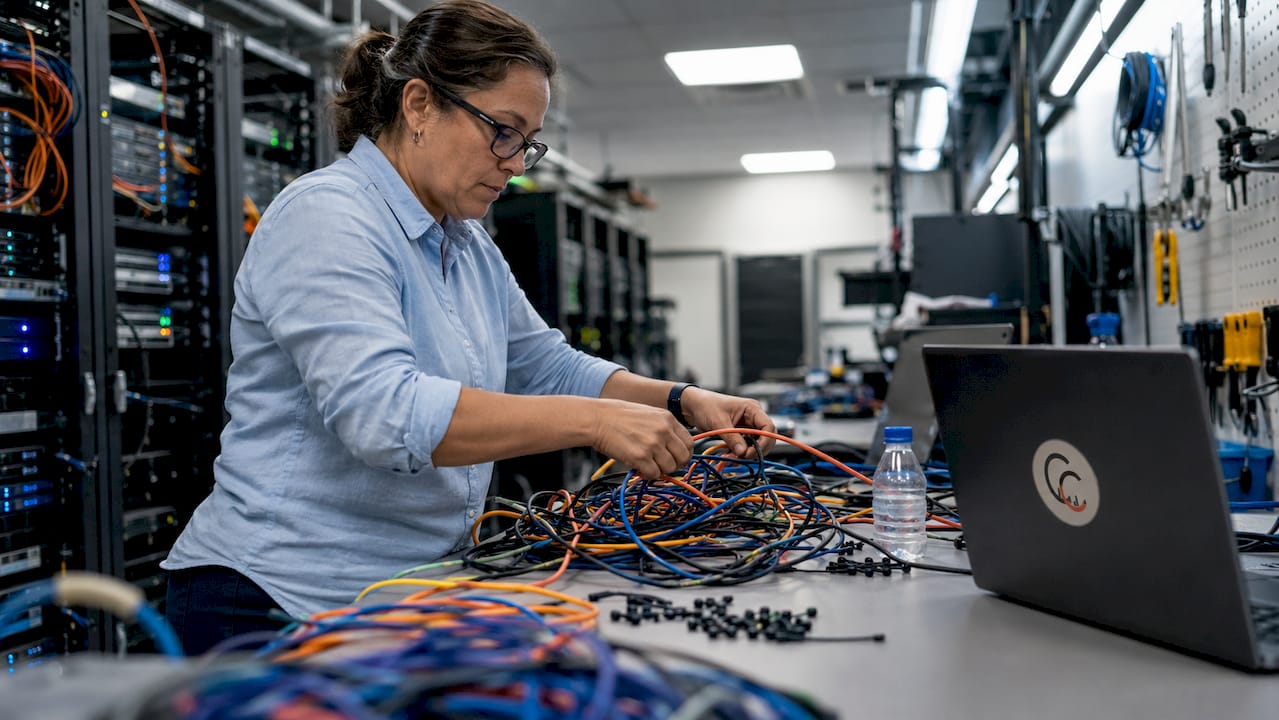
TL;DR:
- Poor cable management leads to operational risks and safety hazards, including increased repair times and potential electrical fires. Implementing structured cabling practices, such as labeling, proper bundling, and separating power and data cables, reduces these risks and improves workflow. Routine audits and documentation ensure long-term organization, minimizing downtime and safety issues.
Poor cable management is defined as any wiring practice that leaves cables tangled, unlabeled, improperly routed, or physically damaged in ways that create operational and safety risks. For IT teams and network professionals, the consequences go well beyond aesthetics. Accidental unplugging of critical devices can push revenue losses into five-figure territory. Increased Mean Time to Repair (MTTR) turns a 10-minute fix into a two-hour cable trace. The industry term for the corrective discipline is structured cabling, governed by TIA standards. Understanding the most common examples of poor cable management is the first step toward eliminating them.
1. What are the most common examples of poor cable management?
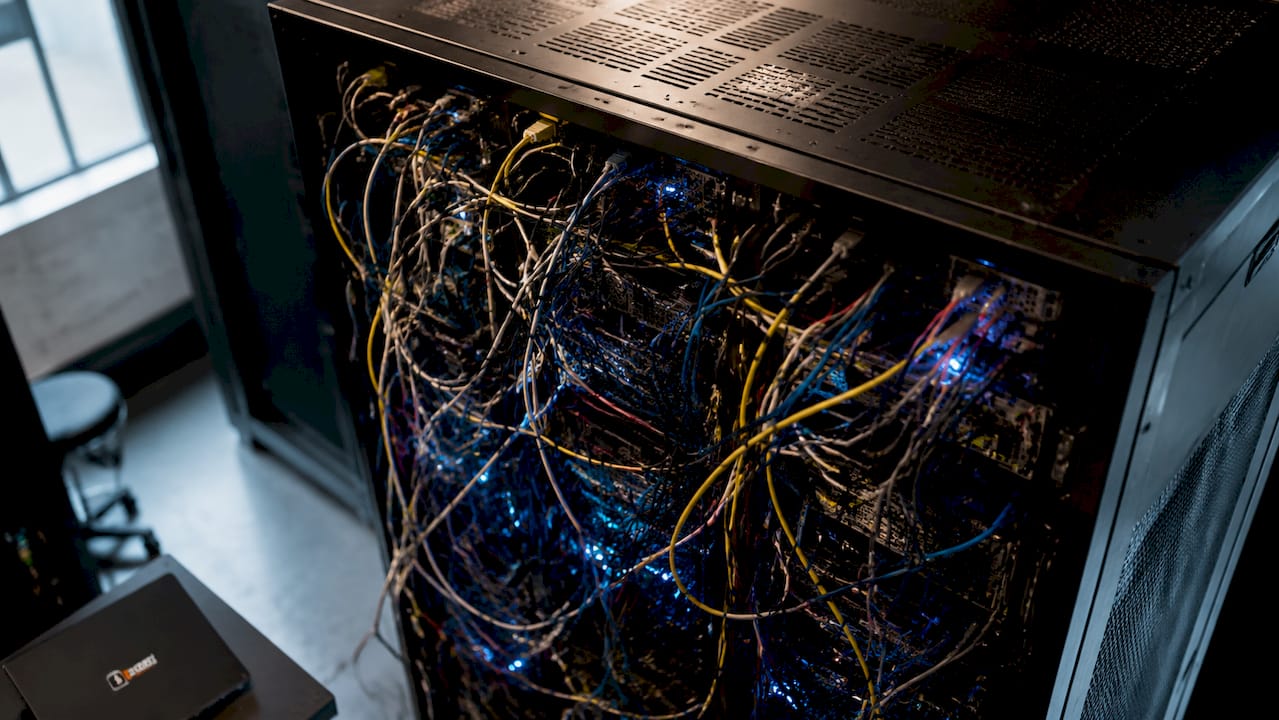
The most recognizable form of bad cable organization is the “spaghetti rack.” Cables loop, cross, and bundle without logic, making it impossible to trace a single run without disturbing a dozen others. Junior technicians working under pressure unplug the wrong device. That single error can trigger a network outage with real financial consequences.
Other common poor wiring examples include:
- Unlabeled patch cables with no identification at either end, forcing manual tracing during every maintenance event
- Cables routed across walkways creating tripping hazards and accidental disconnections
- Mixed power and data cables bundled together, violating TIA TSB-184-A separation requirements and introducing electromagnetic interference
- Overtightened zip ties that crush cable jackets and damage internal conductors, often without any visible external sign
- Excess patch cord lengths left in loose coils that block rack airflow and add to visual clutter
Each of these messy cable setups shares one trait: they look manageable until something breaks. At that point, the disorder multiplies the repair time significantly.
Pro Tip: Label every cable at both ends before installation. Retrofitting labels onto an existing tangled bundle takes three times longer and often gets skipped entirely.
2. How blocked airflow in server racks causes hardware failure
Dense cable bundles blocking airflow force server fans to run at 100% capacity continuously. That sustained load accelerates fan bearing wear and raises ambient rack temperatures, which shortens the lifespan of every component in the enclosure. This is one of the most damaging examples of poor cable management because the harm is invisible until hardware fails.
The specific failure pattern follows a predictable path. Cables routed horizontally across the front of servers block cold air intake. Hot exhaust recirculates instead of exiting through the rear. CPUs and storage controllers begin thermal throttling, reducing performance before any alert fires. By the time a component fails, the damage has been accumulating for months.
Service loops placed directly in airflow paths compound the problem. Experts recommend routing service loops inside vertical cable managers, where they sit outside the primary airflow channel. This single practice preserves thermal performance without sacrificing the slack needed for future moves, adds, and changes.
3. Safety hazards from poor wiring examples
Reverse polarity, missing earth connections, and overloaded circuits are the three most dangerous poor wiring examples in commercial environments. Each creates a slow-burn fire hazard. Electrical resistance at loose connection points generates heat. That heat builds at the termination, melts insulation, and eventually causes arcing.
The insidious part is the timeline. Loose connections that appear fully functional can carry severe internal heat damage for months before any visible sign appears. A connection that passes a basic continuity test may still be accumulating thermal stress that will eventually cause a fire.
Cable clutter issues on the floor add a separate physical risk layer:
- Tripping hazards from cables crossing foot traffic paths in telecom rooms and server areas
- Overloaded multi-way adapters drawing more current than the circuit rating allows, creating sustained heat at the outlet
- Cables pinched under furniture or equipment that damage insulation over time through repeated compression
“Poor electrical connections appear normal while accumulating dangerous hidden heat damage that can cause fires unexpectedly.” — Alberni Electric
The combination of hidden thermal damage and physical floor hazards makes cable clutter issues a genuine liability, not just a maintenance inconvenience.
4. The cognitive cost of messy cable setups in office environments
Disorganized cable layouts create visual chaos that increases cognitive load and reduces focus for professionals working near them. This effect is measurable in productivity terms. When the eye has no clear resting point in a workspace, the brain expends low-level attention managing the visual noise. That attention is taken directly from the task at hand.
The practical consequences show up in predictable ways:
- Technicians avoid working in messy network closets longer than necessary, delaying routine maintenance
- Cable anxiety, the low-grade stress of not knowing which cable does what, increases mental fatigue during troubleshooting
- Workflow interruptions spike when a cable must be traced manually before any change can be made
Messy cables interrupt workflow and increase frustration and fatigue in ways that compound over a workday. A single cable trace that takes 20 minutes instead of 2 does not just cost 18 minutes. It breaks concentration and resets focus time for the task that follows.
Neat cable dressing and labeling in your network closet directly reduce this cognitive burden. When every cable has a label and a logical path, technicians work faster and with greater confidence. The workspace communicates order, and that order transfers to the work itself.
5. How to fix cable management: best practices that eliminate common problems
The most effective approach to fixing bad cable organization is the Triage and Tag method. Before touching a single cable, photograph the existing setup, then identify and label every active run. This creates a baseline that prevents accidental disconnections during cleanup and gives you a documented starting point.
Structured cabling best practices, as defined by TIA standards, include:
- Parallel bundling with labels at both ends for logical identification during any future maintenance event
- Velcro straps instead of zip ties to bundle cables without crushing conductors or damaging jacket insulation
- Separate pathways for power and data cables to meet TIA TSB-184-A separation requirements and eliminate interference
- Service loops routed inside vertical cable managers to preserve airflow while maintaining necessary slack
The table below compares disciplined cable management against the most common poor practices:
| Practice | Poor cable management | Structured cabling |
|---|---|---|
| Cable identification | Unlabeled, traced manually | Labeled at both ends, documented |
| Bundling method | Overtightened zip ties | Velcro straps, appropriate bundle size |
| Airflow management | Cables blocking rack intake | Routed clear of airflow paths |
| Power and data separation | Mixed in same bundle | Separate pathways per TIA TSB-184-A |
| Service loops | Loose coils in airflow | Managed inside vertical cable managers |
| Documentation | None or outdated | As-built drawings maintained |
High-quality cable dressing acts as a diagnostic tool. A well-dressed rack tells you immediately when something is wrong. A “bird’s nest” of cables tells you nothing except that the next maintenance event will take longer than it should.
Pro Tip: Schedule a cable audit every six months. Infrastructure changes accumulate faster than most teams realize, and a semi-annual review catches problems before they become outages.
Professionals managing organized server rack cables consistently report shorter MTTR and fewer accidental disconnections after implementing structured practices. The investment in cleanup pays back quickly in reduced incident time.
Key takeaways
Poor cable management creates compounding operational, safety, and cognitive risks that structured cabling practices directly eliminate.
| Point | Details |
|---|---|
| Spaghetti racks increase MTTR | Tangled, unlabeled cables force manual tracing and raise the cost of every outage. |
| Blocked airflow damages hardware | Cable bundles across rack intakes cause thermal throttling and premature component failure. |
| Hidden wiring faults cause fires | Loose connections accumulate heat damage invisibly before causing arcing or fire. |
| Visual clutter reduces productivity | Disorganized cables increase cognitive load and slow technician response during maintenance. |
| TIA standards provide the fix | Parallel bundling, Velcro straps, and separated pathways per TIA TSB-184-A resolve most common problems. |
What 40 years of cable work taught me about the real cost of disorder
The biggest mistake I see maintenance teams make is treating cable management as a cosmetic issue. They clean up the visible mess and leave the underlying problems in place. A rack can look tidy from the front and still have overtightened zip ties crushing conductors inside the bundle, or service loops sitting directly in the airflow path. The damage is invisible until something fails.
Documentation is the discipline that separates professional cable work from reactive patching. When every run is labeled, photographed, and recorded in as-built drawings, a new technician can walk into an unfamiliar server room and work confidently. Without documentation, every change carries risk. I have seen facilities spend more on a single unplanned outage than they would have spent on a full network closet cleanup and documentation project.
The mindset shift that matters most is moving from reactive to proactive. Cable management is not a one-time cleanup. It is a practice. Scheduled audits, consistent labeling standards, and a commitment to structured installation from the first cable pulled forward will prevent the majority of problems described in this article. Your network is only as strong as the infrastructure behind it.
— Ken
Professional cabling solutions from Cables and Chips
Cables and Chips has spent more than 40 years building clean, documented, and reliable network infrastructure for commercial offices, server rooms, and enterprise environments across New York City.

For IT managers ready to move past reactive fixes, the structured cabling components guide covers every layer of a properly built system. Teams dealing with aging or disorganized runs can review CAT6 installation options to upgrade both performance and organization in a single project. For facilities that need a clear record of what exists, the as-built documentation guide explains how to build and maintain cable clarity that survives staff turnover and infrastructure changes. Cables and Chips serves Lower Manhattan and the broader New York City area. Contact the team at 20 Vesey Street to schedule a site survey.
FAQ
What are the most common examples of poor cable management?
The most common examples include tangled spaghetti racks, unlabeled patch cables, cables blocking server rack airflow, overtightened zip ties, and mixed power and data runs in the same bundle. Each creates measurable operational or safety risk.
How does poor cable management cause network downtime?
Disorganized cables increase MTTR by forcing technicians to trace runs manually during outages. Accidental unplugging of the wrong device is a direct consequence of tangled, unlabeled cable setups.
Can bad cable organization cause a fire?
Yes. Loose connections generate heat through electrical resistance, and that heat accumulates invisibly until insulation melts and arcing occurs. Overloaded adapters and missing earth connections follow the same failure path.
What is the TIA standard for cable management in server racks?
TIA TSB-184-A covers cable management in data centers, including requirements for separating power and data cables and limiting bundle sizes to preserve airflow and signal integrity.
What is the fastest way to fix a messy cable setup?
Start with the Triage and Tag method: photograph the existing layout, label every active run, then re-dress cables using Velcro straps with parallel routing and labels at both ends before removing any existing cables.