
Choosing the wrong cable type for an enterprise network is not a minor inconvenience. It means bottlenecks, interference vulnerabilities, failed audits, and infrastructure that cannot scale. The stakes around enterprise network security cabling types have grown sharper as bandwidth demands push past 10 Gbps, IoT devices multiply, and physical security systems like CCTV and access control run over the same infrastructure as your data network. The Ethernet patch cable market is projected to grow from $8.89 billion in 2026 to $13.85 billion by 2034, which tells you exactly how much investment is flowing into this space. Your network is only as strong as the infrastructure behind it.
Key takeaways
| Point | Details |
|---|---|
| Cat6A is the new baseline | New enterprise installations should default to Cat6A to support 10 Gbps over 100 meters without compromise. |
| STP requires proper grounding | Shielded twisted pair only performs as designed when grounding is done correctly throughout the run. |
| Fiber owns the backbone | Single-mode fiber is the right choice for inter-building runs, data center links, and distances beyond copper limits. |
| Coaxial has a narrow modern role | Coaxial cable remains relevant in legacy CCTV and analog video applications but does not scale for data networks. |
| Documentation protects your investment | As-built records and cable labeling are not optional. They directly reduce downtime and support security compliance. |
1. How to choose the right enterprise network security cabling types
Before you specify a single cable type, you need a clear decision framework. The wrong starting point is asking “what cable do I need?” The right starting point is asking “what does this run need to do, now and five years from now?”
Here are the core criteria every IT professional and facilities manager should evaluate:
- Bandwidth and speed requirements. Over 40% of new enterprise copper installations rely on Cat6 or higher to support multi-gigabit speeds. If you are deploying Wi-Fi 7 access points or high-density IP cameras, you need cabling that matches the throughput.
- Distance. Copper twisted pair runs are limited to 100 meters for structured cabling. Anything longer requires fiber or intermediate distribution points.
- Electromagnetic interference (EMI). Industrial floors, elevator shafts, mechanical rooms, and generator rooms all introduce significant interference. The cable type and shielding grade must match the environment.
- Power over Ethernet (PoE). PoE demands require cables that handle higher power without dangerous heat buildup, especially for Wi-Fi 7 and high-wattage IP cameras. Cat6A’s larger conductor geometry makes it far more suitable than Cat6 for PoE++ applications.
- Installation complexity and cost. Fiber costs more to terminate and requires specialized tools. STP requires grounding discipline. Factor in labor, not just materials.
- Standards compliance. TIA/EIA-568 governs structured cabling specifications. Any installation in a commercial or secure facility should align with these standards for insurance, warranty, and audit purposes.
Reviewing your long-term infrastructure planning before committing to a cabling type is the difference between a system that grows with you and one you replace in four years.
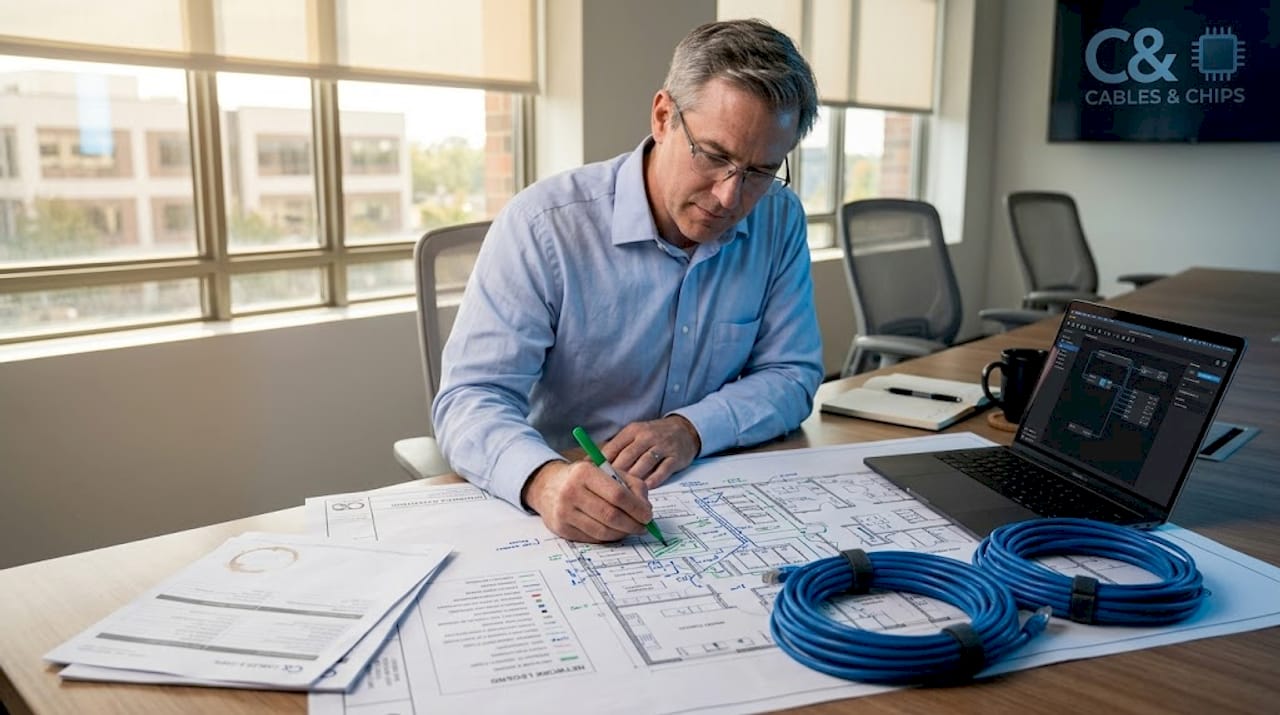
Pro Tip: Map your cable runs against actual floor plans before selecting a type. A 90-meter horizontal run looks fine on paper until you account for conduit bends, cable trays, and patch panel connections. Real-world runs are almost always longer than calculated distances.
2. Unshielded twisted pair (UTP) cabling in enterprise networks
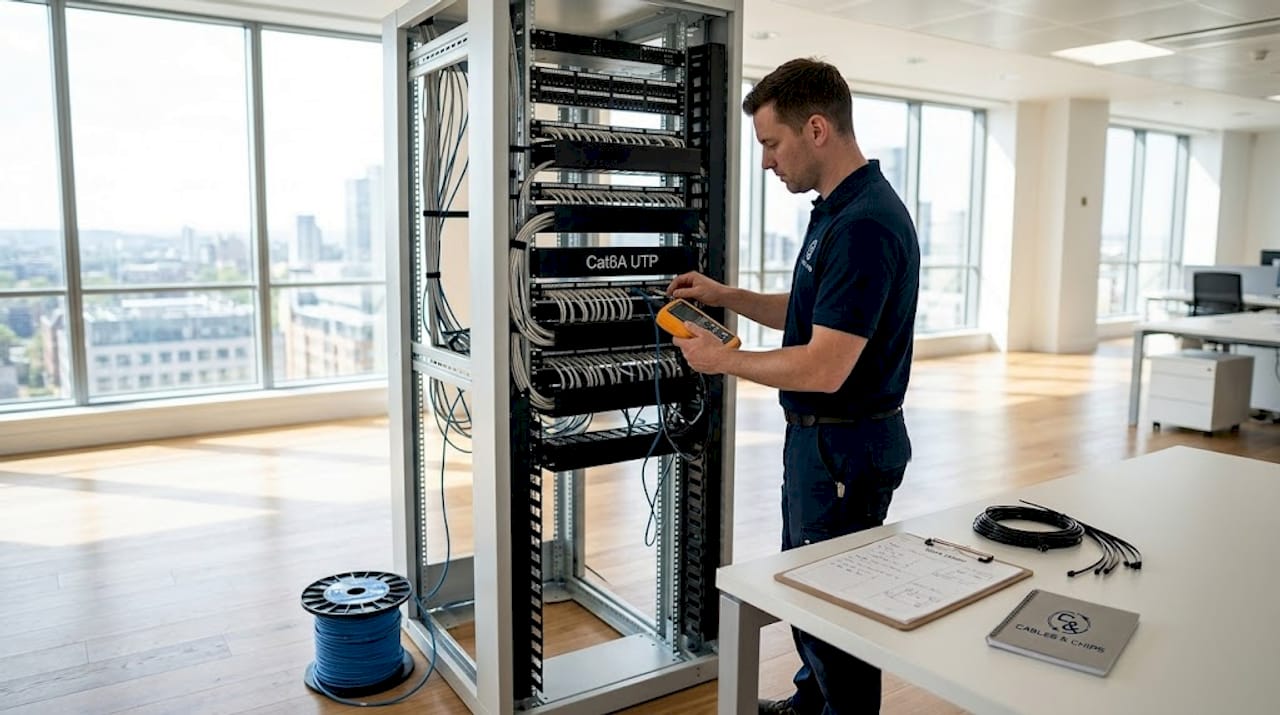
UTP is the dominant cable type across enterprise environments globally. UTP cables dominate because of their cost-effectiveness, ease of installation, and compatibility with PoE devices. No grounding infrastructure is needed, termination is fast, and the cable is flexible enough to route through tight spaces.
The Cat category determines performance:
- Cat5e: Supports up to 1 Gbps at 100 meters. Still found in older installations but no longer specified for new builds.
- Cat6: Supports 1 Gbps reliably and up to 10 Gbps for runs under 55 meters. The spline separator inside Cat6 reduces crosstalk but adds bulk.
- Cat6A: The baseline standard for new enterprise installations, supporting 10 Gbps over 100 meters with better alien crosstalk performance. Required for most modern PoE++ deployments.
For horizontal cabling in office environments, Cat6A UTP hits the right balance of performance, longevity, and cost. Best practices for Cat6 and Cat6A installation matter significantly here. Bend radius, termination quality, and cable management all affect certified performance, even on a high-grade cable.
Pro Tip: Specify plenum-rated (CMP) UTP for runs through air-handling spaces. It costs more, but it meets fire code requirements and eliminates the need for conduit in many ceiling plenum environments.
3. Shielded twisted pair (STP) cabling for high-interference environments
STP adds a metallic shield around the twisted pairs, the cable bundle, or both. That shield blocks external EMI from corrupting the signal. In environments near industrial machinery, MRI equipment, large HVAC systems, or heavy electrical infrastructure, STP is not a premium option. It is the correct option.
The shielding configurations you will encounter in enterprise work:
- F/UTP (foiled UTP): One overall foil shield, no individual pair shielding. Good for moderate EMI.
- S/FTP (screened/foiled UTP): Individual foil shields on each pair plus an outer braid. Maximum protection, used in high-EMI or high-security installations.
- SF/UTP: Both foil and braid around the entire cable. Heavy, but very effective in extreme environments.
The critical detail most installers get wrong: improper grounding of STP cables can degrade performance worse than if you had used UTP. The shield needs to be grounded at one end only in most installations to avoid ground loops. If your team does not have STP grounding experience, the shield becomes a liability rather than an asset.
STP also requires shielded keystone jacks, patch panels, and cable management hardware. You cannot mix shielded cable with unshielded termination hardware and expect the shielding to function. The entire channel must be continuous.
4. Fiber optic cabling for enterprise network backbones
Fiber is the only serious choice for backbone cabling, inter-building runs, and data center uplinks. Fiber optic cables deliver speeds up to 400 Gbps, distances from 10 to over 100 kilometers, and complete immunity to electromagnetic interference. No copper cable comes close to those specs.
| Fiber type | Max distance | Typical speed | Best use case |
|---|---|---|---|
| OM3 multimode | 300 meters (10G) | Up to 10 Gbps | Short backbone runs, within buildings |
| OM4 multimode | 400 meters (10G) | Up to 10 Gbps | Data center interconnects |
| OM5 multimode | 150 meters (40/100G) | Up to 100 Gbps | High-density short-range links |
| OS2 single-mode | 10+ kilometers | Up to 400 Gbps | Campus, inter-building, long-haul |
Multimode fiber is cost-effective for shorter backbone runs but modal dispersion limits distance. Single-mode fiber is the correct choice for any campus-wide deployment or building-to-building connection. The transceiver cost is higher, but the distance and bandwidth ceiling makes it the only logical choice for long-term infrastructure.
Fiber’s limitations are worth stating clearly:
- Fiber carries no power. PoE devices cannot run on fiber alone. You need copper at the endpoint.
- Termination requires training, proper tools, and cleanliness. A contaminated fiber end-face will kill link performance.
- Pre-terminated fiber assemblies solve a lot of the field termination challenge by bringing factory-tested connectors to the job site.
For fiber optic backbone installation, certification testing with an OTDR (optical time-domain reflectometer) after installation is not optional. It documents performance and catches faults before they become production problems.
5. Coaxial cable in enterprise security networks
Coaxial cable has a specific and narrowing role in modern enterprise environments. Coaxial cables remain relevant primarily in legacy security camera systems and specialized analog video applications. If you are maintaining or integrating an existing analog CCTV system, coaxial (typically RG-59 or RG-6) is still the medium that system runs on.
Key characteristics of coaxial in the enterprise context:
- Handles long-distance analog video well, often up to 300 meters with no amplification for standard definition
- Immune to some forms of interference due to its concentric shielded construction
- Does not support PoE
- Maximum data bandwidth is a fraction of what Cat6A or fiber delivers
- Scalability is poor. Adding cameras means adding individual coaxial runs, not structured home-run cabling to a switch
Modern IP camera systems run on Cat6 or Cat6A with PoE, which eliminates the need for coaxial in new security deployments. Where coaxial still appears is in existing systems that have not been upgraded, and in a few specialized use cases like cable television distribution and antenna runs.
If you are building a new access control or CCTV infrastructure from scratch, specify Cat6A with PoE. You get remote power delivery, IP addressability, and the ability to manage cameras from any network management platform. Coaxial cannot offer any of that.
6. Comparative analysis and cabling selection recommendations
Making the final call on cable type comes down to matching the technical requirements of each zone in your facility to the correct medium.
| Cable type | Max speed | Max distance | EMI protection | PoE support | Relative cost |
|---|---|---|---|---|---|
| Cat6 UTP | 10 Gbps (55m) | 100 meters | None | Yes | Low |
| Cat6A UTP | 10 Gbps | 100 meters | Moderate (alien XT) | Yes (PoE++) | Moderate |
| Cat6A STP | 10 Gbps | 100 meters | High | Yes (PoE++) | Moderate/High |
| Multimode fiber | Up to 100 Gbps | Up to 400 meters | Complete | No | Moderate |
| Single-mode fiber | Up to 400 Gbps | 10+ kilometers | Complete | No | High |
| Coaxial (RG-6) | Limited | 300+ meters (analog) | Good | No | Low |
Matching scenarios to cable type:
- Open-plan office, horizontal cabling: Cat6A UTP. It handles 10 Gbps, supports PoE for access points and cameras, and installs cleanly.
- Industrial or mechanical spaces: Cat6A STP or shielded fiber. The EMI environment demands it.
- MDF/IDF backbone runs: Single-mode fiber OS2 for inter-floor and inter-building. Multimode OM4 or OM5 within a single data center floor.
- Legacy CCTV integration: Retain existing coaxial until you upgrade to IP cameras. Then replace with Cat6A.
- Campus or multi-building enterprise: Single-mode fiber between buildings. Business fiber solutions for WAN connectivity to match the backbone’s performance.
Physical labeling and as-built documentation are non-negotiable after installation. Every run should be labeled at both ends, documented on as-built floor plans, and tested to the appropriate standard (TIA-568 for copper, TIA-568.3 for fiber). Skipping documentation is the single most common cause of extended troubleshooting during incidents and audits.
Pro Tip: Use certified cable testing with a Fluke DSX or equivalent tester to generate a channel certification report for every run. That report is your proof of performance and your insurance when a link fails during a security audit.
My take on what most enterprises get wrong with cabling
I have worked on enterprise cabling projects across a wide range of environments, from dense Manhattan office buildings to secure server rooms with strict compliance requirements. The pattern I see repeated is not ignorance of cable types. Most IT managers know the difference between Cat6 and Cat6A. What gets overlooked is everything around the cable itself.
STP grounding is the most common failure point. Teams specify shielded cable for a high-EMI environment, which is the right call, then install it without verifying ground continuity from the jack through the patch panel to the cabinet ground bar. The shield floats, and the interference problem gets worse, not better. I have seen this turn a well-intentioned upgrade into a months-long troubleshooting process.
The other issue is documentation. As-built maps drastically reduce maintenance times and improve security compliance, yet most enterprises treat documentation as optional. Two years after installation, nobody can identify which cable runs where, and any change becomes a guessing exercise. That is a security risk, not just an inconvenience.
My opinion on future direction: single-mode fiber will continue to expand further into horizontal cabling as costs drop and 25/40/100 Gbps to the desktop becomes realistic for high-density environments. Cat6A will remain the standard for general office runs for the next decade. Copper is not going away. But the organizations that invest in fiber backbone infrastructure and Cat6A edge cabling now will have the capacity and flexibility to meet demands that do not fully exist yet.
Invest in the cabling you need in five years, not just today. The labor cost of installation does not change much. The disruption of a rip-and-replace does.
— Ken
Build your enterprise cabling infrastructure with Cables
If this article raised more questions than answers about your specific environment, that is a sign your cabling infrastructure deserves a professional assessment.
Cables & Chips provides structured Cat6A cabling installation tailored for enterprise security networks across New York City, including horizontal runs, backbone fiber, and MDF/IDF buildouts. We handle fiber optic solutions for campus and inter-building links, CCTV and access control cabling, and certified testing and documentation for every installation. With more than 40 years of experience, we help IT teams and facilities managers build infrastructure that is clean, tested, and properly documented from day one. Contact Cables & Chips at 20 Vesey Street in Lower Manhattan to schedule a site survey.
FAQ
What is the best cabling type for a new enterprise office?
Cat6A UTP is the current standard for new enterprise horizontal cabling, supporting 10 Gbps over 100 meters and full PoE++ compatibility. Pair it with single-mode fiber for backbone runs.
When should I choose STP over UTP?
Specify STP in environments with significant EMI sources such as industrial equipment, generators, or MRI machines. Make sure your team has STP grounding experience, as improper grounding causes performance degradation.
Can I run CCTV and data on the same cabling infrastructure?
Yes. Modern IP security cameras run over Cat6A with PoE, so they share the same structured cabling infrastructure as your data network. Legacy analog CCTV systems use coaxial and require separate runs.
How far can Cat6A run before I need fiber?
Cat6A copper supports 100 meters for structured cabling channels. For distances beyond that, single-mode or multimode fiber is required depending on the distance and speed requirements.
Why does cable documentation matter for security compliance?
Physical documentation and as-built records reduce troubleshooting time and are frequently required during audits for compliance frameworks like HIPAA, SOC 2, and PCI DSS. Unlabeled cabling creates gaps that auditors will flag.