

When you’re planning a new network deployment or a major refresh, the cat6a vs fiber optic installation decision sits at the center of your budget, your timeline, and your long-term reliability. Get it right and you build infrastructure that performs for the next decade. Get it wrong and you’re pulling cable again in three years. This guide cuts through the noise with a direct comparison of technical specs, installation realities, use cases, and best practices so you can make a confident, well-documented decision before the first run is pulled.
Key takeaways
| Point | Details |
|---|---|
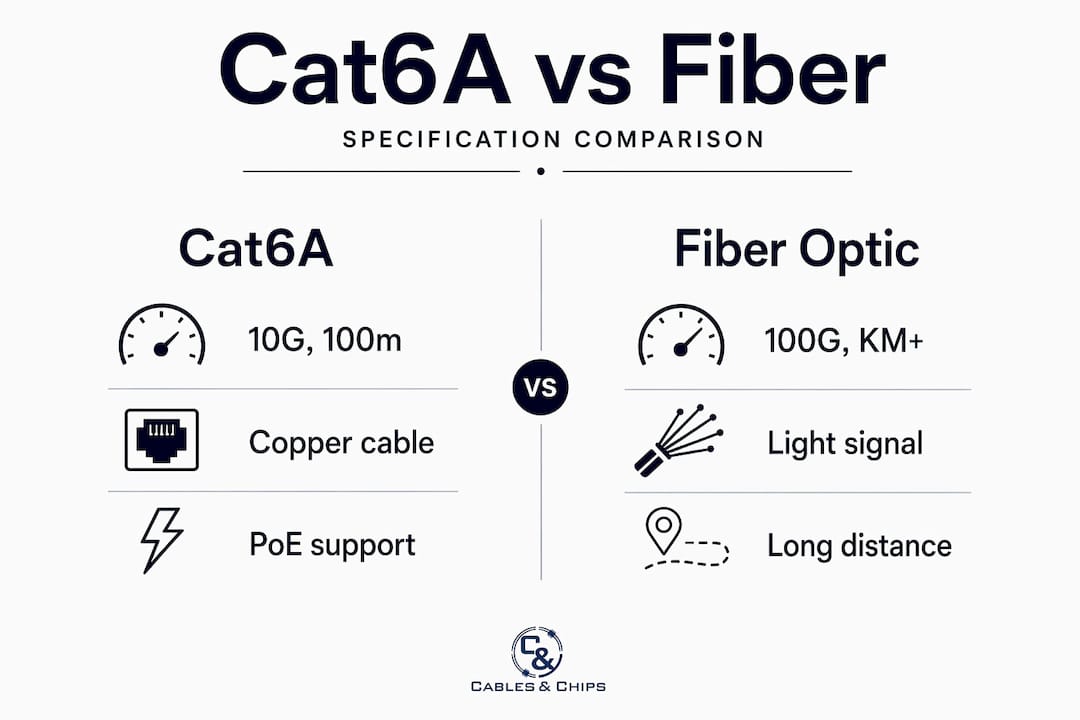
| Performance benchmarks differ significantly | Cat6A supports 10G at 100 meters; fiber handles multi-kilometer runs with superior bandwidth headroom. |
| Installation complexity varies by cable type | Fiber requires specialized splicing tools and certified technicians, raising labor costs above Cat6A installs. |
| PoE++ favors copper at the edge | Cat6A handles up to 90–100W power delivery natively; fiber requires separate power infrastructure. |
| Hybrid architecture is often the best answer | Cat6A at the horizontal edge combined with fiber backbone delivers the best cost-to-performance ratio. |
| All channel components must match | Mixing Cat6 and Cat6A components degrades the entire link to the lowest-rated component in the channel. |
Cat6A vs fiber optic installation: core specs compared
Understanding what each cable does technically is the starting point for any installation decision. These are not interchangeable technologies. They solve different parts of the same problem.
Cat6A (Augmented Category 6) is the current copper standard for 10-gigabit Ethernet in horizontal cabling. It supports 500 MHz bandwidth, exactly double the 250 MHz rating of standard Cat6, and it delivers certified 10GBASE-T performance at the full 100-meter channel length per ANSI/TIA-568.2-D. That 100-meter limit includes patch cords on both ends, so your actual horizontal run should not exceed 90 meters.
Fiber optic cable operates on a completely different principle. It transmits light rather than electrical signal, which means it carries no susceptibility to electromagnetic interference (EMI). Single-mode fiber runs kilometers with low attenuation and supports bandwidth well beyond what today’s switching infrastructure can consume. Multimode fiber (OM3, OM4, OM5) covers shorter distances but still exceeds copper in raw capacity and scalability.
Head-to-head specification table
| Specification | Cat6A | Multimode Fiber (OM4) | Single-Mode Fiber |
|---|---|---|---|
| Max bandwidth | 500 MHz | 4700 MHz (OM4 at 10G) | Effectively unlimited |
| 10G distance | 100 meters | 400 meters | 10+ kilometers |
| EMI immunity | No (shielded versions help) | Yes | Yes |
| PoE++ support | Yes (up to 90–100W) | No | No |
| Typical connector | RJ45 | LC/SC | LC/SC |
| Relative install cost | Lower | Higher | Highest |
The alien crosstalk (ANEXT) issue is worth specific attention for Cat6A. Dense Cat6A bundles in conduit or cable trays generate more crosstalk than Cat6. Shielded Cat6A variants (F/UTP or S/FTP) are required in high-EMI environments such as industrial floors, medical imaging suites, and electrical rooms. In clean commercial office environments, unshielded UTP Cat6A performs reliably with proper pair separation.
Pro Tip: Always verify that your Cat6A patch panels, keystone jacks, and patch cords carry the Cat6A rating. A single Cat6 patch cord in a Cat6A channel limits the link to Cat6 performance, which eliminates your 10G support entirely.
Installation complexity, tools, and cost
This is where the two technologies diverge most sharply for IT and facilities teams managing real budgets and real timelines.
Cat6A installation uses familiar copper tooling. A qualified low-voltage technician needs a punchdown tool, a cable tester (such as a Fluke DSX-600 or equivalent), an RJ45 crimper, and standard cable management hardware. The cable itself pulls through conduit and cable trays using standard fish tape techniques. Termination at keystone jacks and patch panels follows the T568A or T568B wiring standard and takes minutes per port when done correctly.
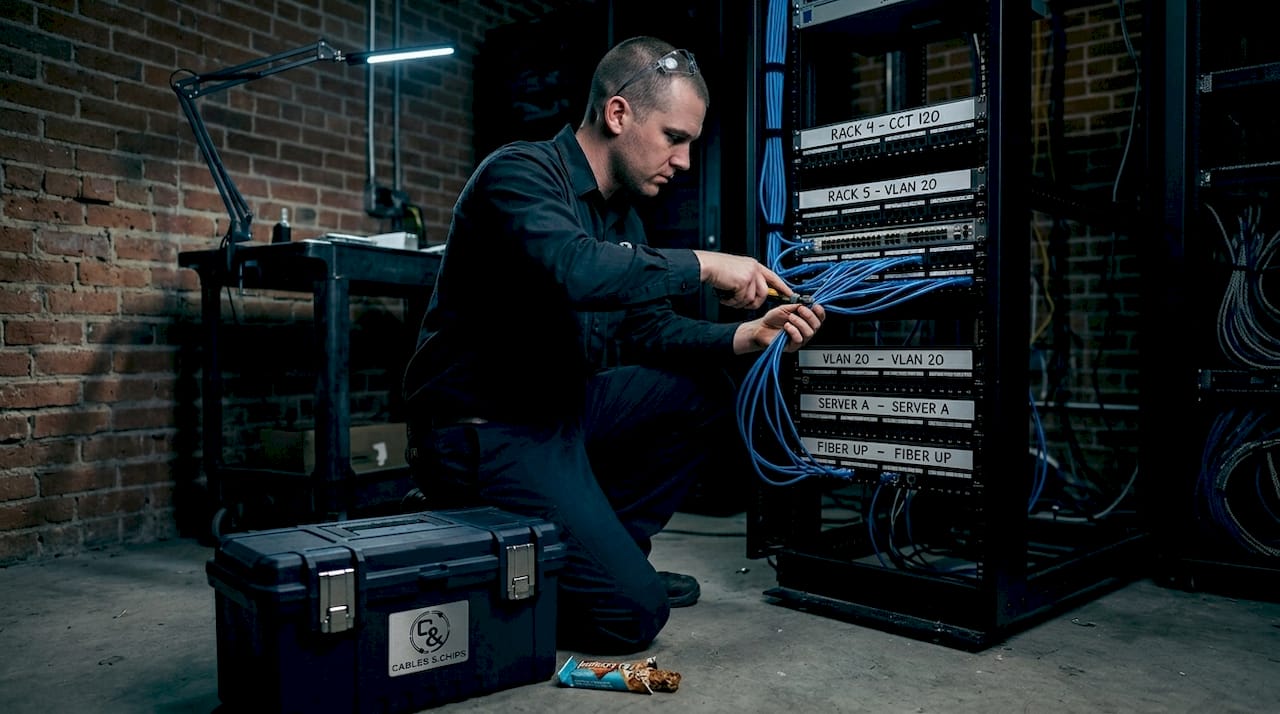
Fiber installation is a different discipline. You need specialized splicers, OTDRs, and expert installers to execute a fiber project properly. An optical time-domain reflectometer (OTDR) identifies splice loss, reflections, and breaks along the fiber run. Fusion splicers, polishing equipment, and inspection microscopes add both equipment cost and required expertise. Field-terminated connectors on fiber are less forgiving than copper. One contaminated or poorly polished ferrule degrades the entire link.
Here is a realistic breakdown of where the cost and complexity differences appear:
- Material cost: Cat6A cable runs roughly $0.20 to $0.40 per foot for plenum-rated UTP. Single-mode fiber is comparably priced per foot, but the transceivers (SFP+ modules) and fiber-capable switches carry significant added cost.
- Labor cost: Cat6A termination is faster and requires less specialized training. Fiber splicing and testing takes more time per port and requires technicians with verified fiber certification.
- Testing requirements: Cat6A channels require channel certification to ANSI/TIA standards with a level IV tester. Fiber requires OTDR traces, insertion loss testing, and optical power budget verification.
- Conduit fill: Cat6A cable is larger in diameter than Cat6, so pathway planning must account for fill ratios. Fiber is smaller in diameter but requires careful protection against bending radius violations and crush damage.
Pro Tip: For projects where copper minimizes CAPEX at the edge and fiber minimizes risk at the backbone, budget your fiber line items separately. Fiber transceiver costs often surprise first-time planners.
Use cases and environment: when each cable wins
Neither cable type dominates every scenario. The right answer depends on where you’re running cable, what devices you’re connecting, and how your network scales over the next five to seven years.
Cat6A is the right choice when:
- You are cabling horizontal runs from IDF to endpoint (workstations, IP phones, wireless access points, IP cameras).
- Your devices or switches rely on Power over Ethernet. Cat6A handles up to 90–100W PoE++ delivery and dissipates the resulting heat better than Cat6 due to larger conductors and thicker insulation.
- Run lengths stay within 90 meters of horizontal cable.
- Your environment has manageable EMI levels with standard commercial construction.
Fiber is the right choice when:
- You are running backbone cabling between MDF and IDFs, or between buildings on a campus.
- Distance exceeds 100 meters and you cannot install intermediate IDFs.
- The environment generates significant EMI. Manufacturing floors, transit facilities, and hospital MRI areas are where fiber’s complete EMI immunity becomes non-negotiable.
- You need to support 40G, 100G, or higher speeds for server-to-switch or switch-to-switch connections.
The hybrid architecture approach is what most well-designed commercial networks use today. Fiber runs the backbone between network closets, and Cat6A handles every horizontal run to powered endpoints. This gives you EMI-immune backbone performance and native PoE delivery at the edge without overspending on fiber-to-the-desk where it adds no practical benefit. For facilities managers planning office builds or relocations, this structure also simplifies MAC work because horizontal copper is easier to reconfigure than fiber.
PoE deserves specific attention as a deciding factor. If you are deploying wireless access points, VoIP handsets, PTZ cameras, or smart building sensors, fiber requires separate power or costly hybrid optical cables to each endpoint. Cat6A eliminates that entirely.
Planning and executing your installation
A successful structured cabling project, whether Cat6A, fiber, or both, follows a deliberate process. Skipping steps here creates problems that show up six months after the contractor leaves.
-
Conduct a site survey. Walk every pathway before ordering a foot of cable. Identify conduit capacity, ceiling access, fire stop locations, and distances from the MDF or IDF to every endpoint. Map your building cabling infrastructure before committing to a design.
-
Select cable type and shielding per zone. Use your EMI assessment to decide between UTP and shielded Cat6A for each area. Specify fiber type (OM4 multimode vs. OS2 single-mode) based on distance and future bandwidth requirements.
-
Pull cable with correct techniques. Cat6A has a maximum pull tension of 25 lbs. Exceeding this stretches the conductors and degrades pair geometry. Fiber has a much lower minimum bend radius than copper. Violating it causes microbends that increase attenuation permanently.
-
Terminate and dress properly. For Cat6A, maintain pair twist within 13mm of the termination point. For fiber, clean every ferrule before mating, verify under magnification, and document insertion loss at every connection point.
-
Test and certify every link. Cat6A channels must pass channel certification per TIA-568.2-D with a calibrated tester. Fiber links require OTDR traces and insertion loss budget verification. Never rely on a simple wire map test for Cat6A. It will not detect pair geometry or ANEXT failures.
-
Document everything. Label every cable at both ends, update your floor plan, and store test reports. Undocumented infrastructure creates expensive troubleshooting scenarios for whoever manages the network next.
Pro Tip: When planning Cat6A runs, check your scalable cabling infrastructure design against future WAP density. WAPs running 802.11ax (Wi-Fi 6E) uplinks benefit directly from 10G copper, and building in that capacity now is far cheaper than retrofitting later.
Troubleshooting and long-term reliability
Even a well-installed cabling plant needs attention over time. Knowing what to look for saves you from reactive fire-drills.
Common symptoms and their sources in Cat6A and fiber plants:
- High error rates or failed 10G links: Often caused by a single Cat6 component in an otherwise Cat6A channel, or by exceeded pair untwist at a punch-down. Pull the test report and check insertion loss and NEXT margins.
- Intermittent fiber drops: Almost always a dirty connector. Contaminated ferrules are the leading cause of optical link failures. Clean, inspect, and re-test before replacing anything.
- Thermal degradation in dense Cat6A bundles: High PoE++ loads generate heat. Heat generated by PoE++ traffic requires Cat6A’s larger conductors for thermal stability in dense bundles. Avoid over-bundling PoE runs with cable ties pulled too tight.
- Crosstalk in crowded conduit: If you are seeing ANEXT failures on Cat6A in a conduit with many cables, the fill ratio is too high or you need shielded cable in that pathway.
Regular inspection should include optical power meter readings on fiber links annually, visual inspection of patch fields for bent or damaged connectors, and re-running certification tests on any link that has been re-terminated. Keep your test documentation current and accessible. An IT team with clean, timestamped test records troubleshoots in minutes instead of hours.
My take: stop treating this as either-or
I have worked on a lot of structured cabling projects across commercial offices, server rooms, and enterprise facilities. The question I hear most is: “Should we go all fiber or stay with copper?” The premise of the question is what gets teams into trouble.
The honest answer is that the two cables do not compete on the same plane. Cat6A solves horizontal distribution with native PoE support and a familiar toolset at a manageable cost. Fiber solves backbone distance, EMI immunity, and long-term bandwidth headroom at a higher upfront investment. Treating them as rivals leads to over-speccing fiber to the desktop (expensive, no PoE benefit) or under-speccing the backbone with copper (EMI problems, distance limitations, no upgrade path to 40G/100G).
What I have seen work consistently is a deliberate hybrid design decided at the planning stage, not after the conduit is full. The projects that fail are the ones where someone made a budget decision to “just use Cat6A everywhere” without accounting for inter-closet distances, or chose “all fiber” without budgeting for power injection at every WAP and camera. Your network is only as strong as the infrastructure behind it.
— Ken
How Cables can handle your next installation
If you are weighing a Cat6A or fiber deployment in a New York City commercial office, server room, or enterprise facility, Cables & Chips delivers the technical expertise and documentation discipline to get it done correctly the first time.
Cables provides structured Cat6A cabling installation for commercial offices and enterprise environments across NYC, from horizontal runs and patch panel termination to full channel certification. For backbone infrastructure, the team handles fiber optic termination and testing including OTDR traces, insertion loss verification, and documentation that meets TIA standards. Whether your project calls for Cat6A, fiber, or a hybrid design, Cables brings more than 40 years of structured cabling experience to every build. Contact Cables & Chips at 20 Vesey Street, Lower Manhattan, or schedule a site survey to get a professional assessment of your specific environment and requirements.
FAQ
What is the main difference between Cat6A and fiber optic cable?
Cat6A transmits data electrically over copper and supports 10G at up to 100 meters with native PoE capability. Fiber transmits data as light, offering EMI immunity, longer distances, and higher bandwidth scalability with no power delivery capability.
Is fiber optic installation more expensive than Cat6A?
Yes, in most cases. Fiber requires specialized splicing equipment, OTDRs, and certified technicians, which raises labor costs above Cat6A installations. Fiber-capable switches and SFP+ transceivers also add significant material cost per port.
Can you mix Cat6 and Cat6A components in the same channel?
No. Mixing Cat6 and Cat6A components degrades the entire channel to Cat6 performance, which eliminates 10GBASE-T support. Every component including cable, patch panel, keystone jacks, and patch cords must be rated Cat6A for a certified 10G channel.
When should fiber be used instead of Cat6A?
Use fiber for backbone runs between MDF and IDFs, inter-building connections, runs exceeding 100 meters, and any environment with significant EMI such as manufacturing floors or medical imaging facilities. For horizontal runs to endpoints requiring PoE, Cat6A is the better choice.
What is the best approach for a large commercial office network?
A hybrid architecture using Cat6A for horizontal runs to endpoints and fiber for backbone links between network closets delivers the best balance of cost, performance, and PoE capability. This is the standard design used in most well-planned enterprise environments today.